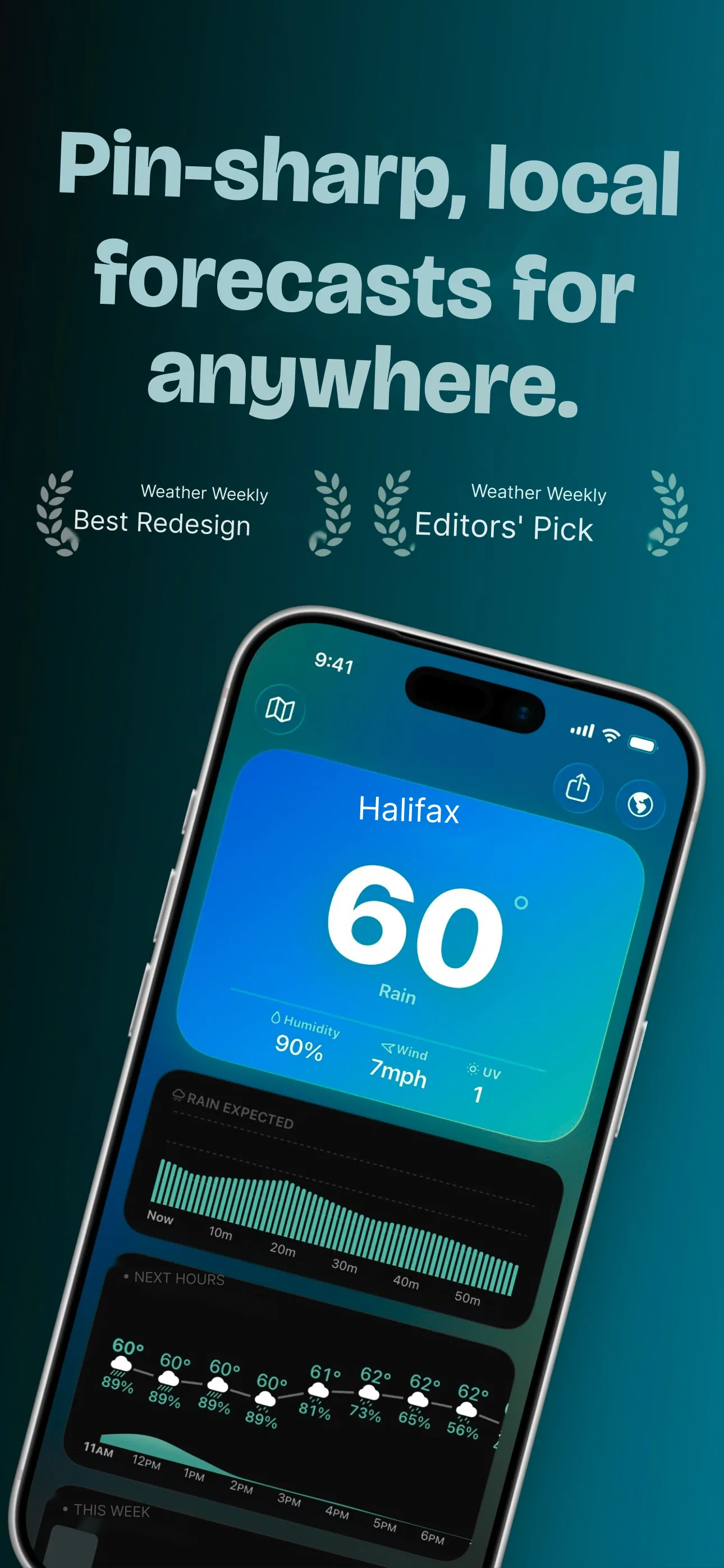
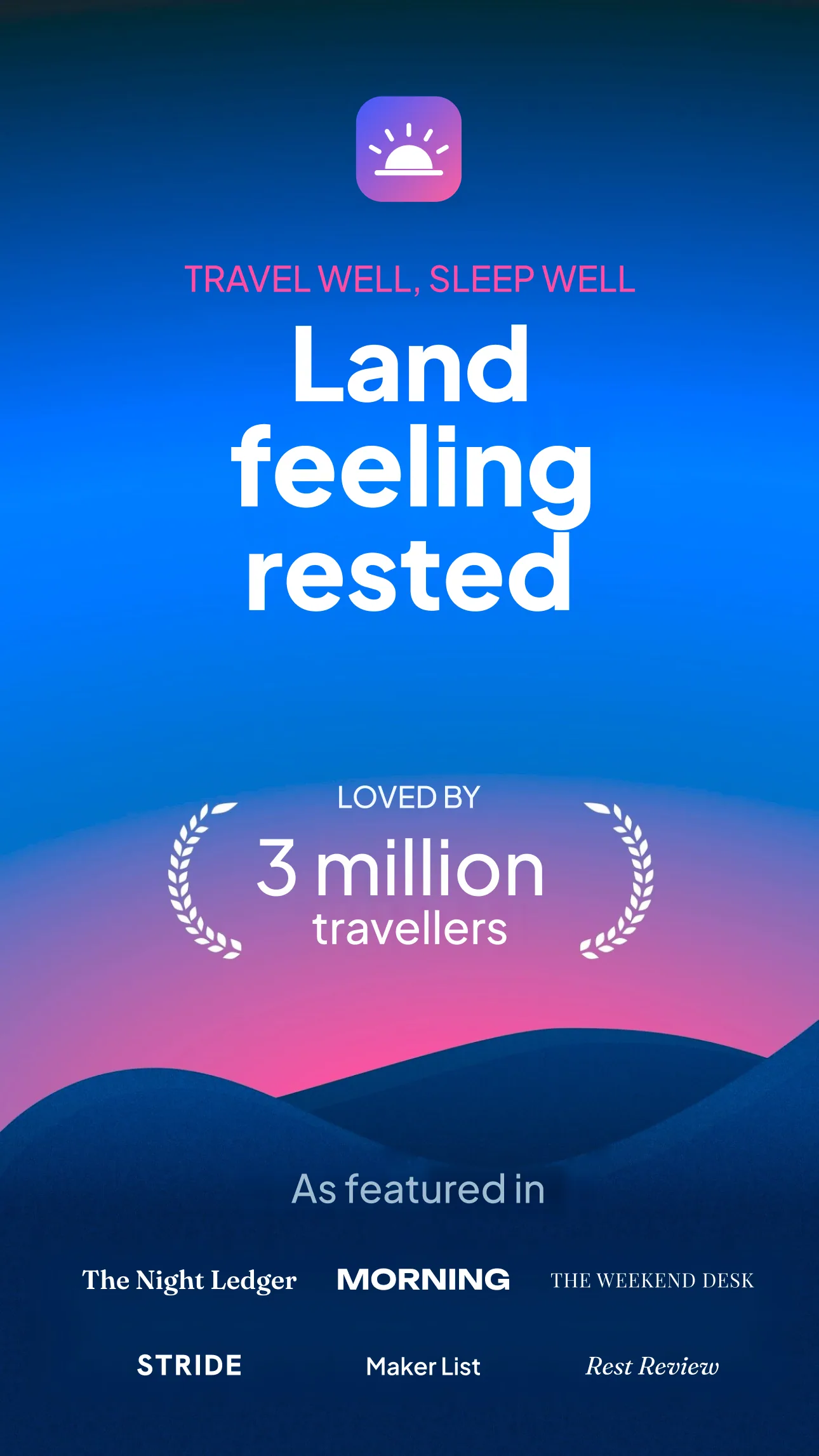
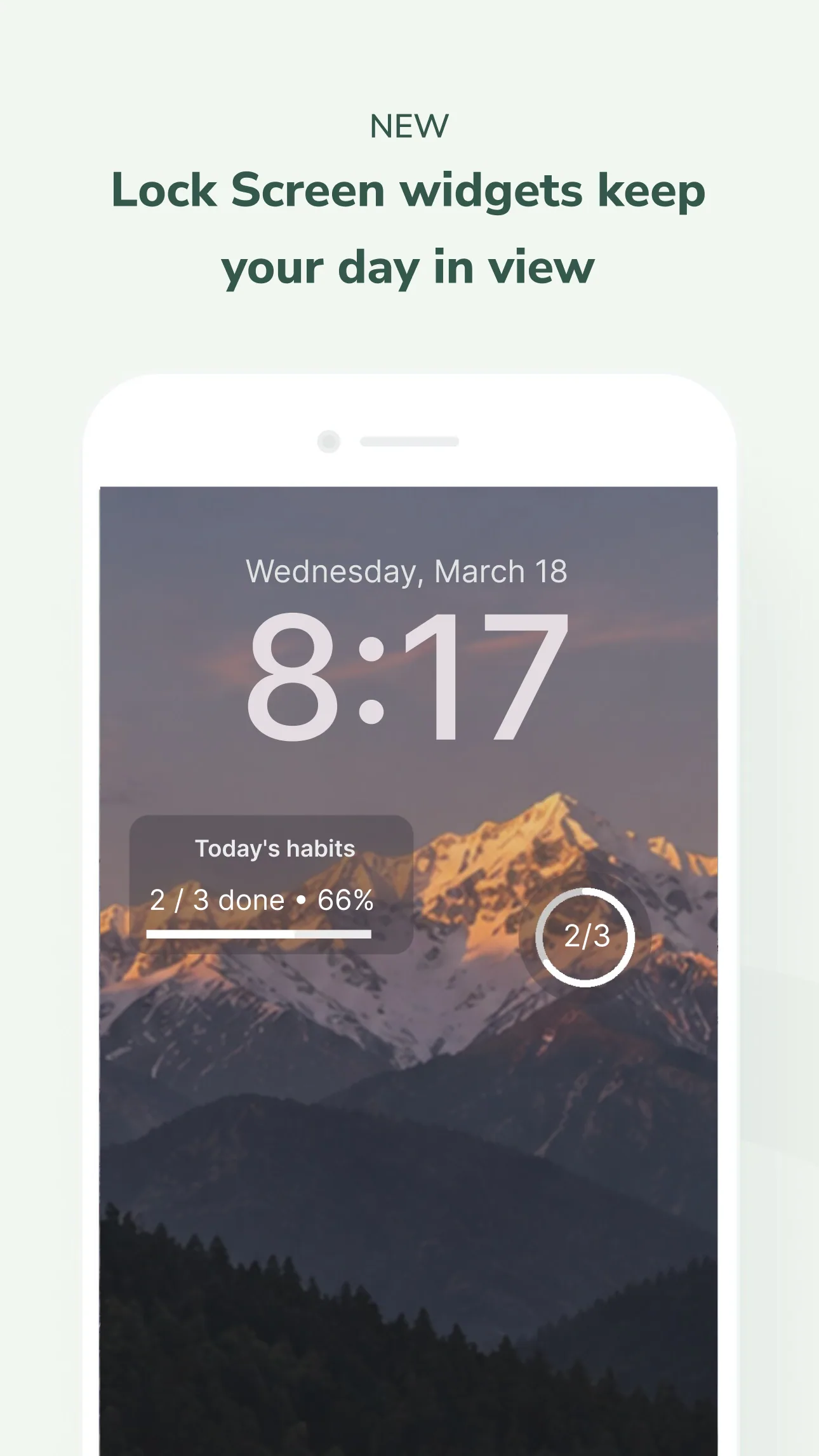
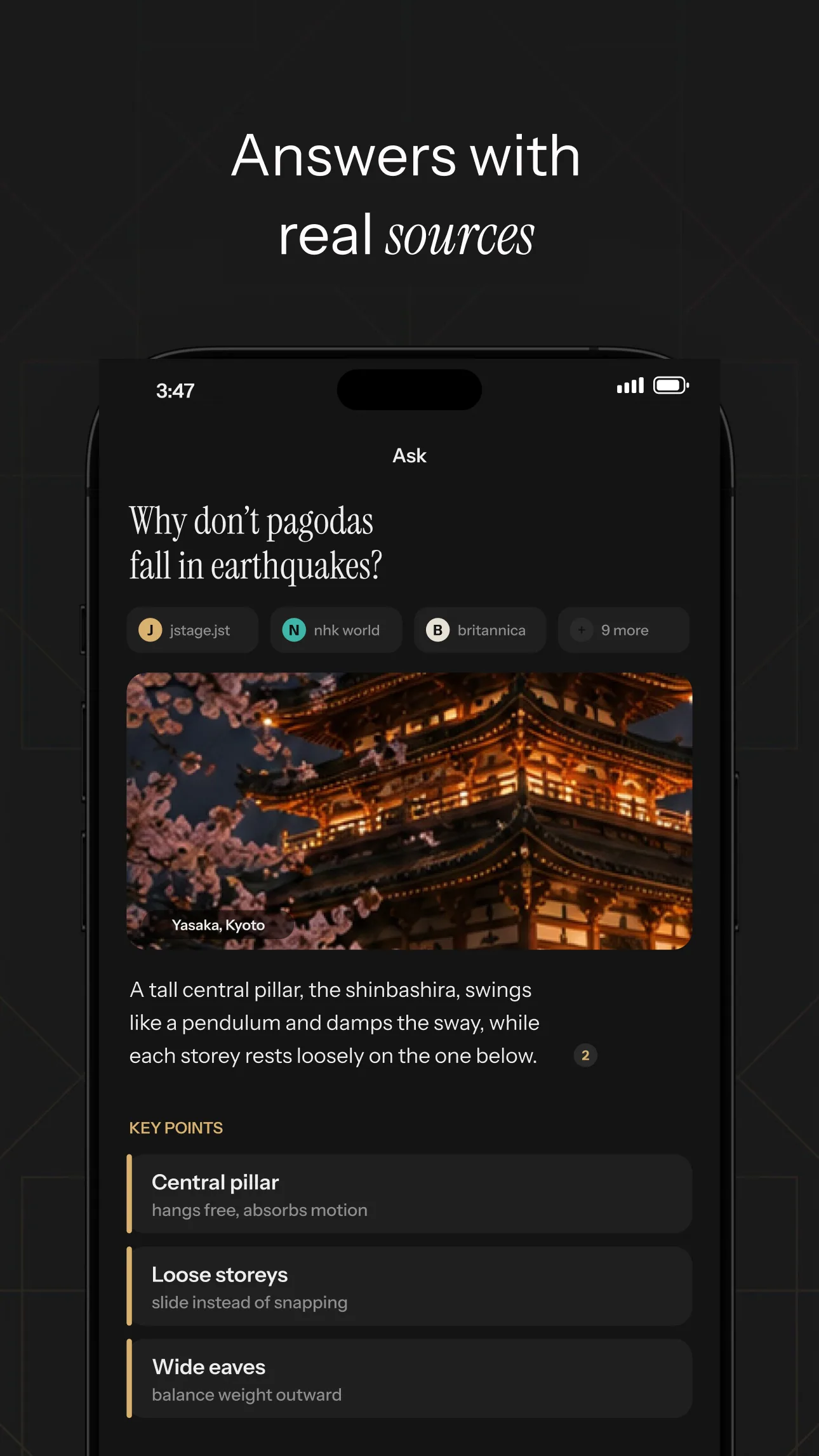
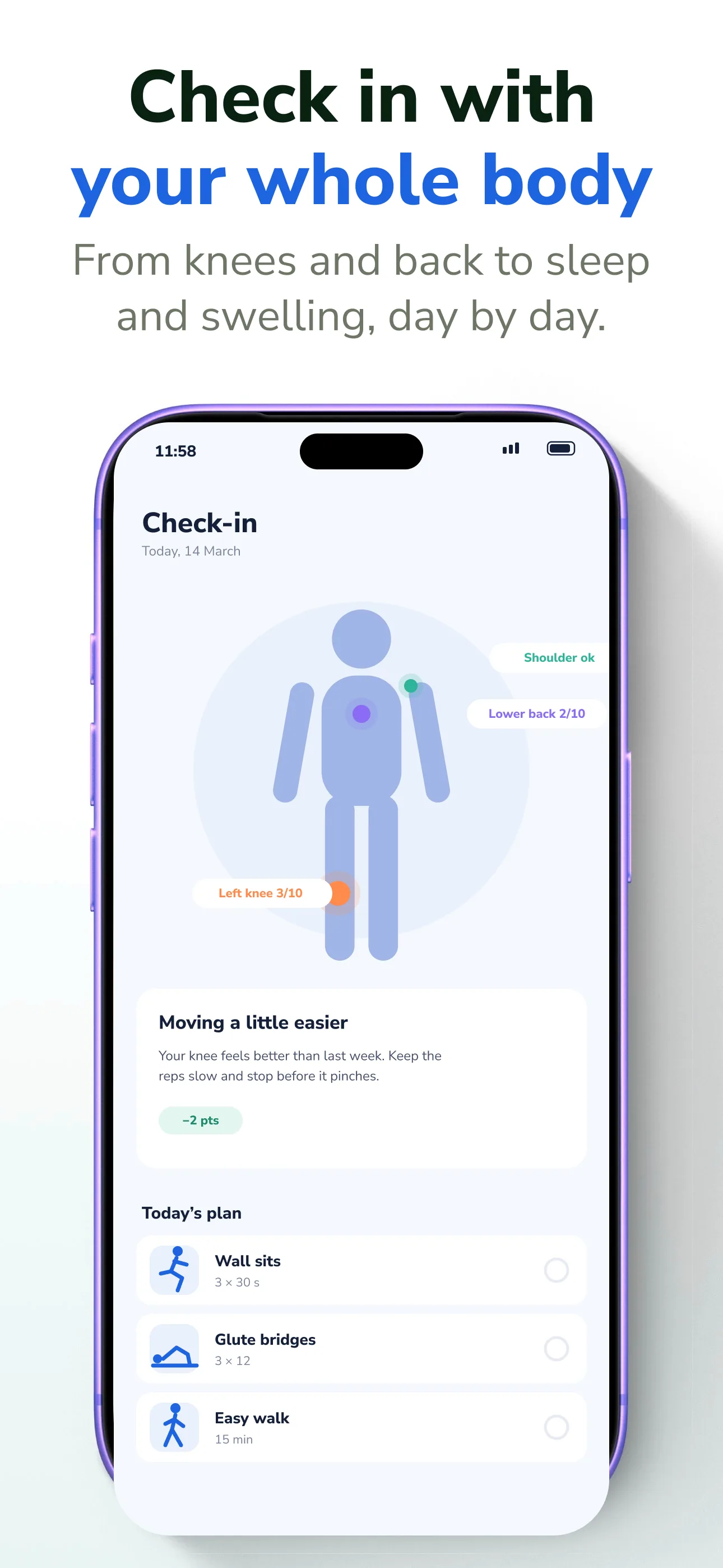
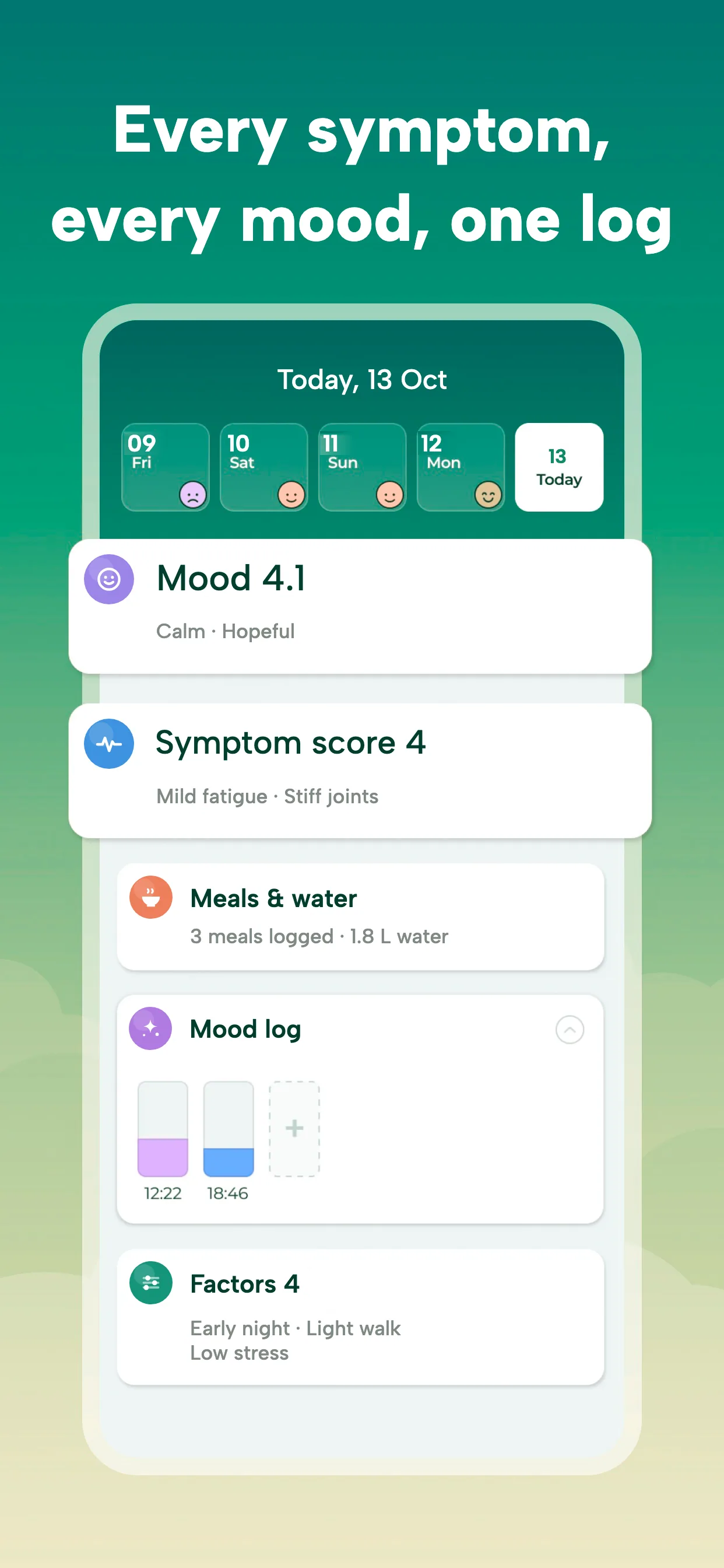
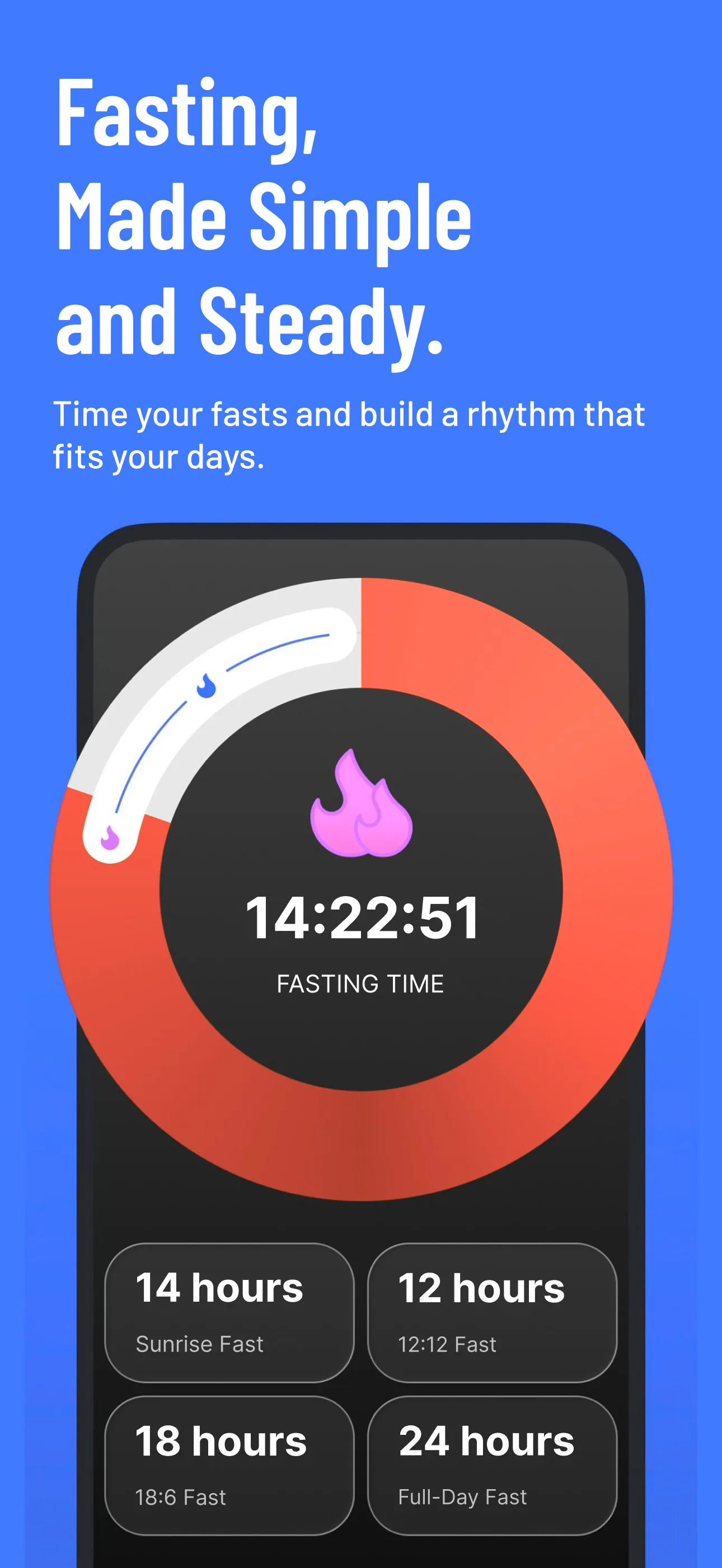
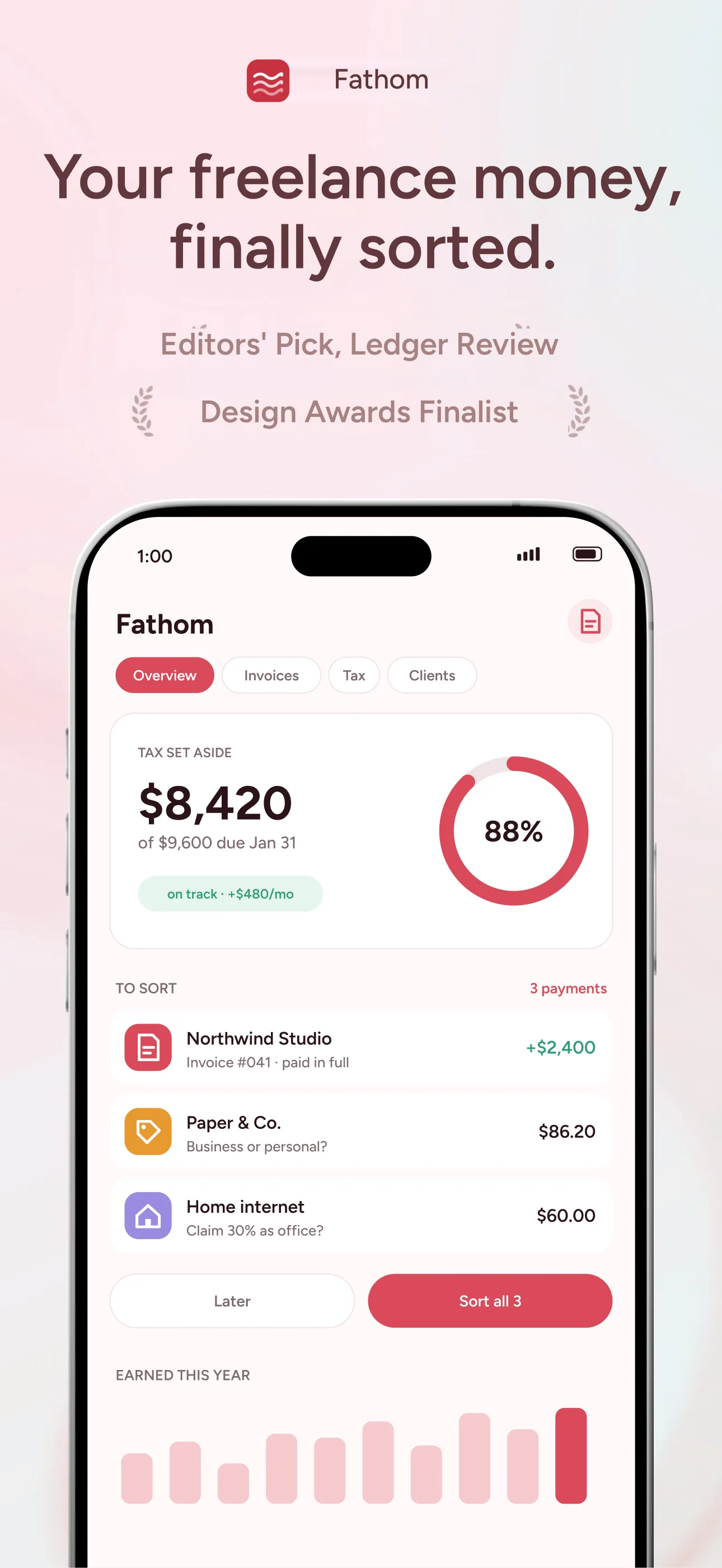
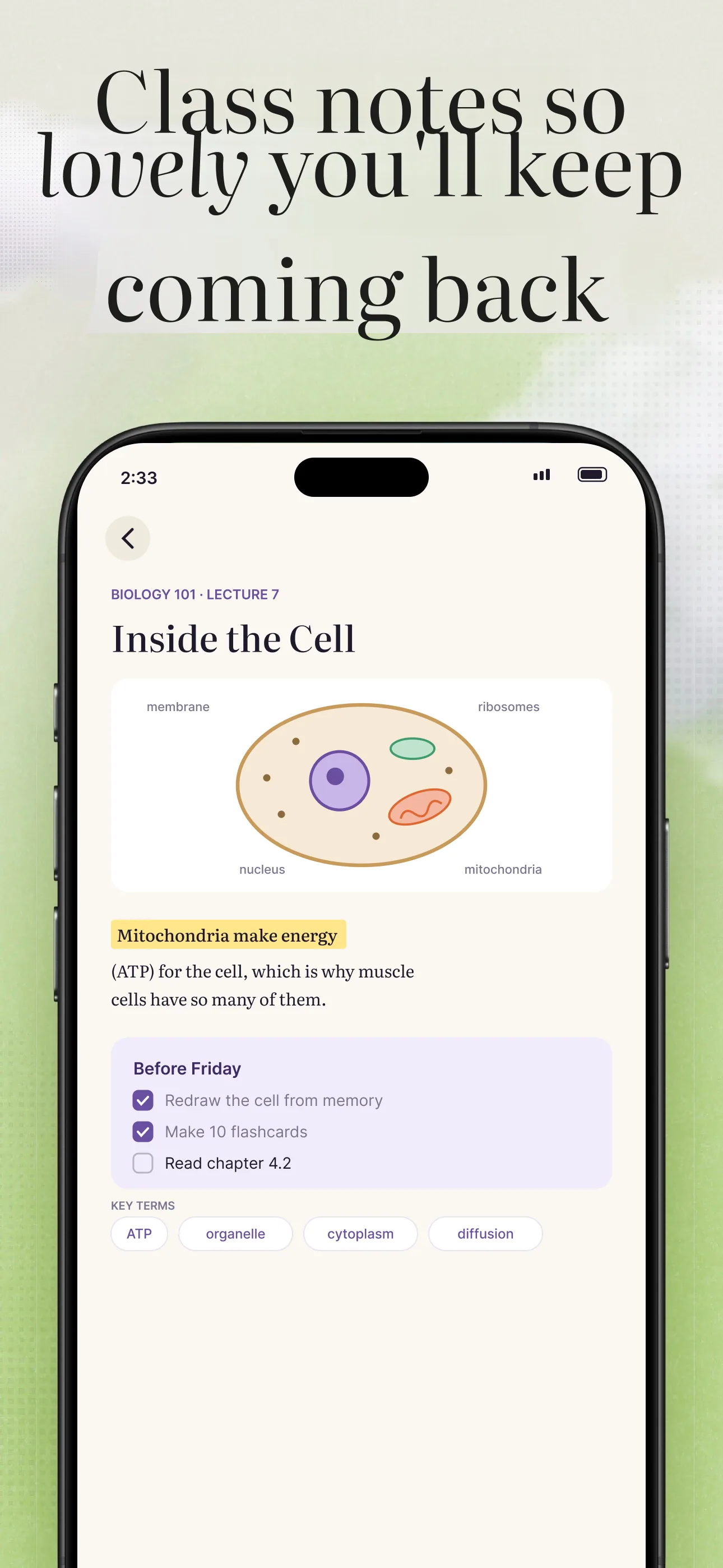
ScreenshotsGet confident with moneyCirrusas goodas the appEvery Way to SeeSignal & Track HoldsyouYour Best HoursFollow a plan that helpsbuilt.
You spent months on the app. On the App Store, people judge it by its screenshots before they read a word. Start from a set that already looks finished, put your screens in, and launch on time.
Screenshots sell the app. Most are made the night before launch.
The build is approved and it's 1 a.m. You're still nudging a phone frame around a blank 1290 × 2796 canvas, wondering why it looks homemade next to the apps above yours in search.
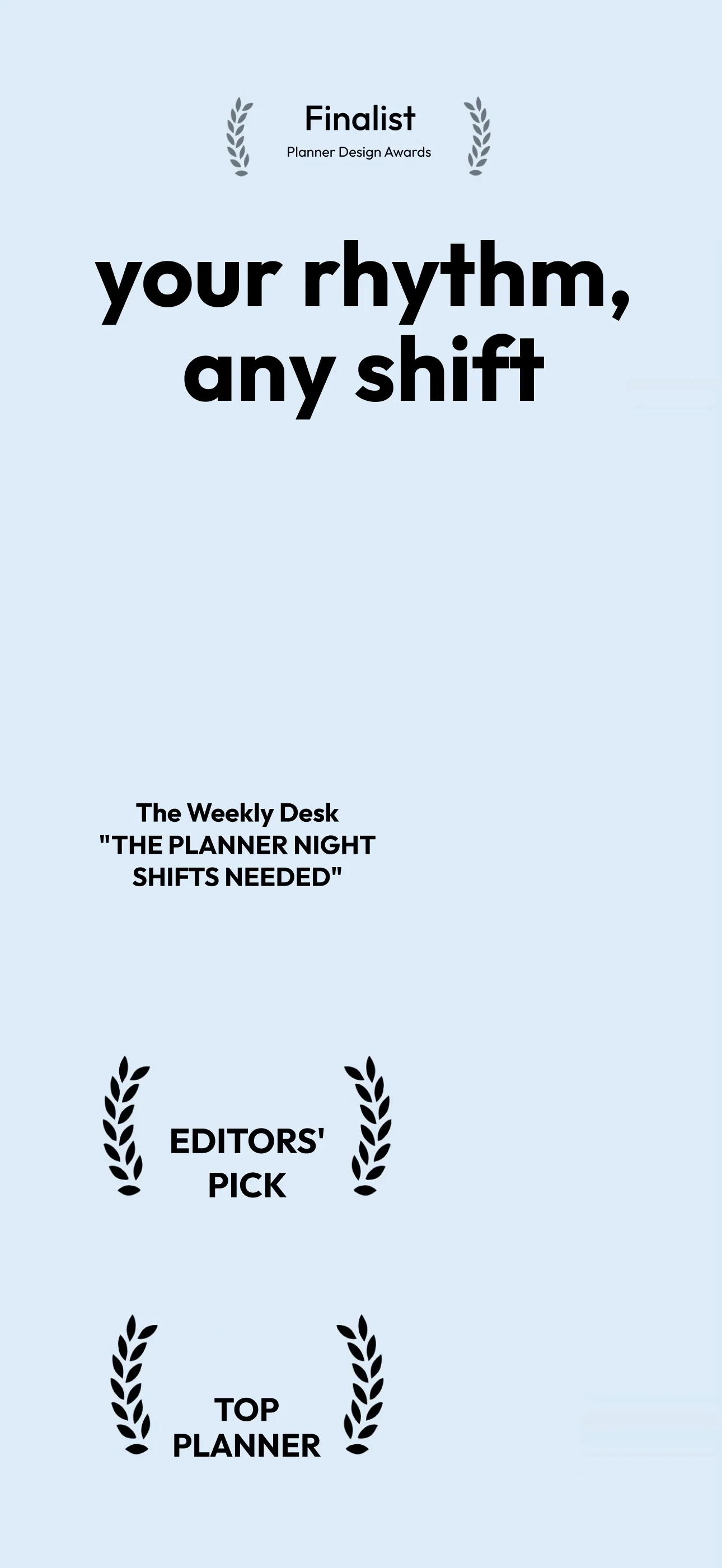
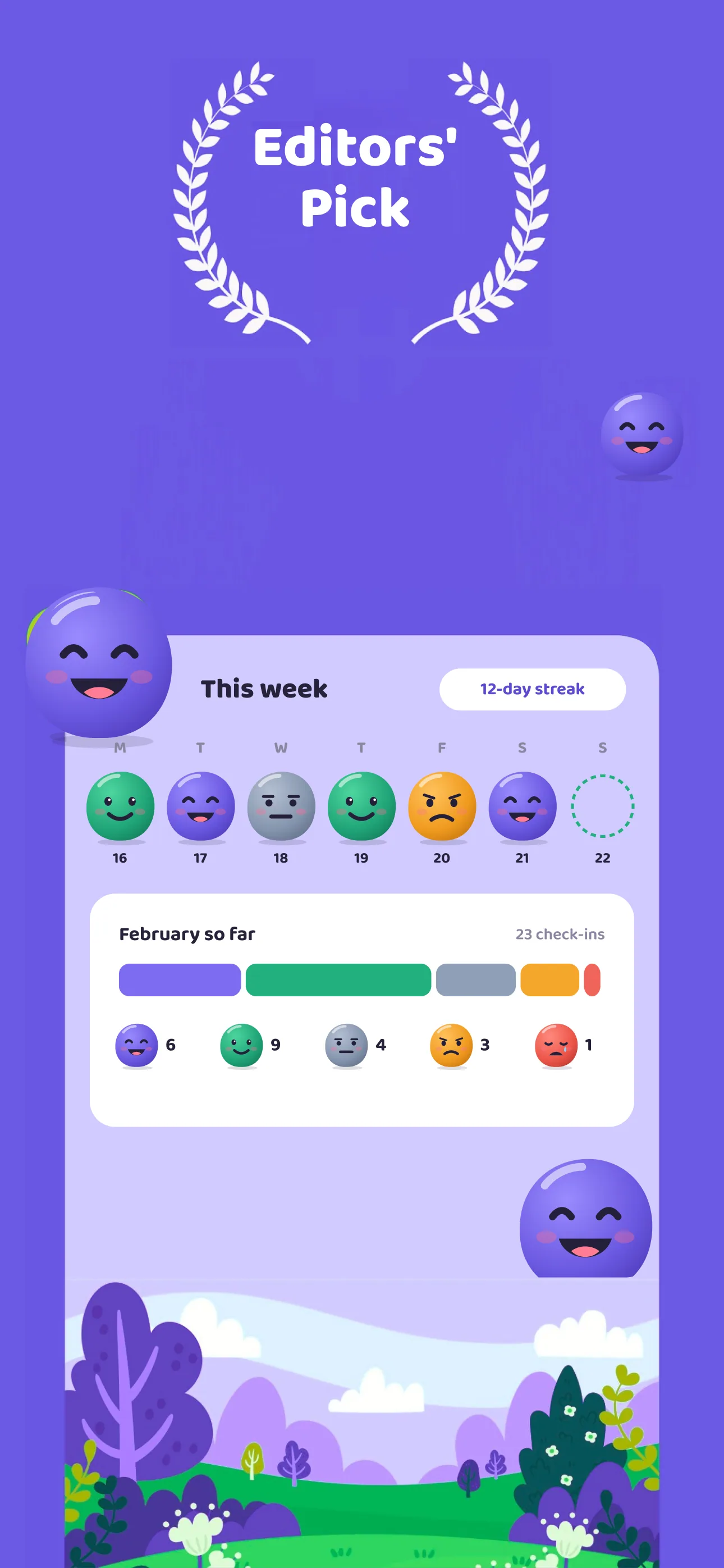
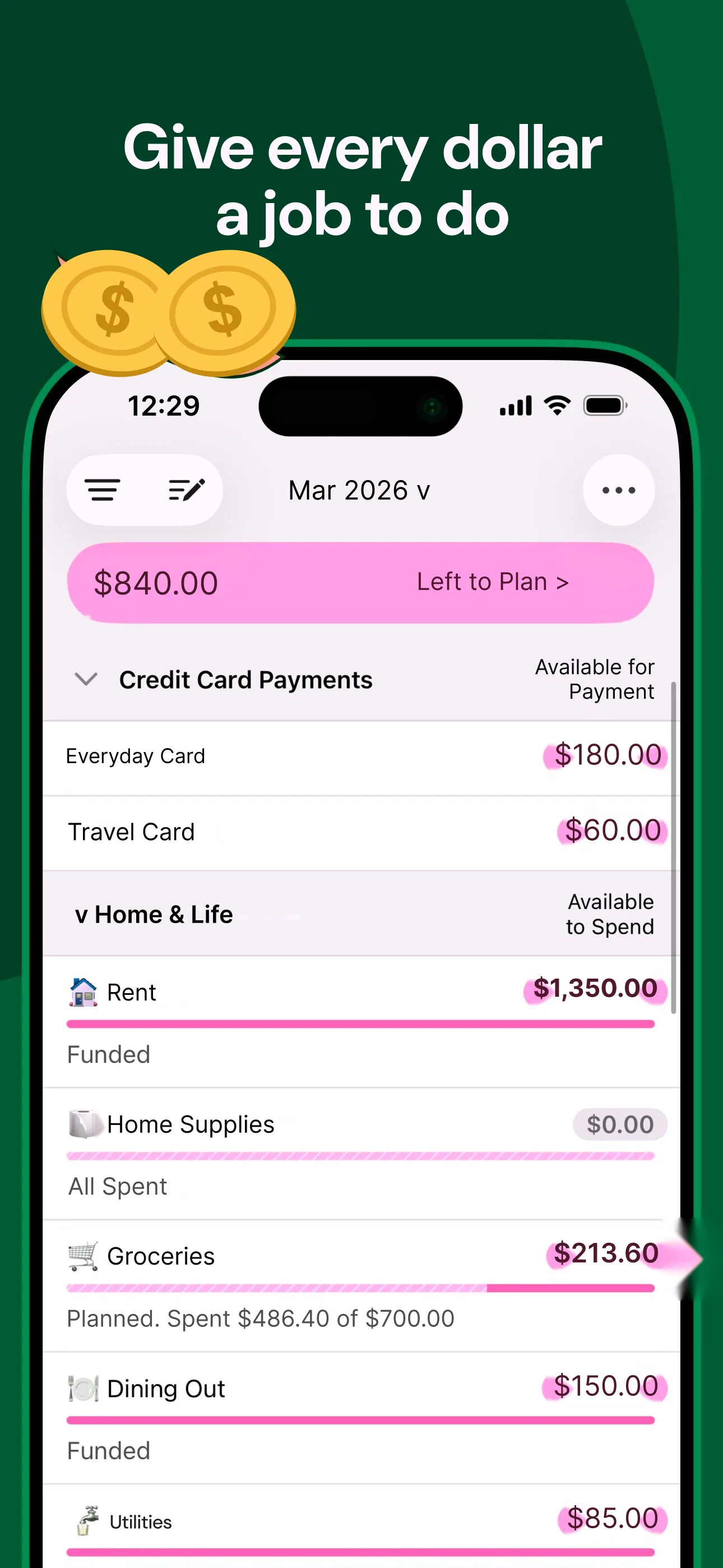
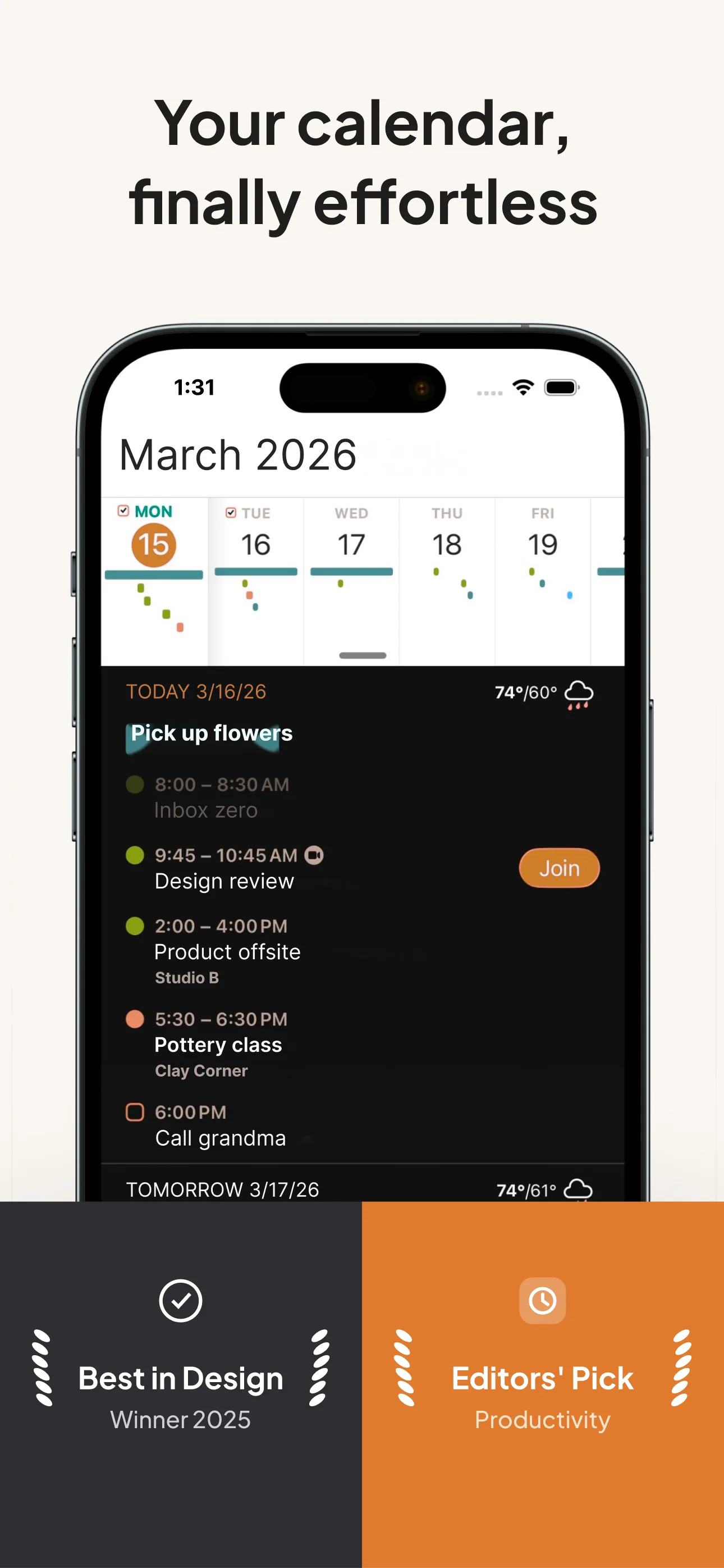
A Paneroom set starts you where that night should have ended, with six panels whose type, colour and order are already decided. You add your screens and write your headlines.
calm and light, like a plannerbright colours and a mascotsoft lilac for a team appbig friendly type
Let it start the screenshots while you finish the release. Describe the look you want in your own words. Claude finds a matching set, pulls the full-size panels and writes headlines for your app in the set's style.
Free $0 · Pro $29 every 3 months or $79 a year · Claude MCP included
Early bird $19.99 every 3 months, kept for as long as you stay. Until 14 December.
Questions
I'm not a designer. Will this still look professional?
That is who the sets are for. The choices that take a designer longest (the type pairing, the spacing, the colours and the order of the six panels) are already made. You replace the screens and the words.
Will my screenshots look like everyone else's?
Other people can start from the same set. Once your screens, headlines and colours are in, it reads as your app, the way two apps can share a font and look nothing alike.
What comes with a set?
Six panels sized for the App Store (1290 × 2796), with the fonts, colours and layout written down on the set page so you can match them in every update.
Are the apps in the sets real?
No. Every app name, brand and screen is made up for its set, so nothing in your listing belongs to someone else.
Do I need Claude?
No. Every set works on its own. Pro includes the Paneroom MCP server for people who already build with Claude and would rather ask it to find a set and draft the headlines.
Can I cancel any time?
Yes, from your account page. Pro stays on until the end of the period you have paid for.